
Fulton Clerk of Superior and Magistrate Courts
The elected Clerk runs the office and reports to the public on records services. The official site is at fultonclerk.org. The office is in downtown Atlanta near the rest of the court campus. Staff handle filings, copies, calendars, eFiling, and many real-estate-related index links.
Fulton County Clerk of Superior and Magistrate Courts
136 Pryor Street SW
Atlanta, GA 30303
What the Fulton Clerk Does
The Clerk's office under O.C.G.A. § 15-6-61 keeps the official record of Superior Court cases and supports filings, service, and copies. The Clerk also serves Magistrate Court, so small claims, dispossessory, warrants, and first appearances flow through the same office. Probate Court has its own clerk; Juvenile Court is separate as well.
- Accept and docket new filings in Superior and Magistrate cases.
- Maintain the public case index through the Tyler Portal Smart Search.
- Issue certified, exemplified, and plain copies of court records.
- Process appeals to the Court of Appeals of Georgia and the Supreme Court of Georgia.
- Support real-estate, lien, and trade-name records through linked services.
- Provide court calendars and notary-related services.
Clerk eServices Menu
The Fulton Clerk eServices page is the master index of online court tools. Each tool plays a different role, and most Fulton users only need one or two for any task. Below is a short tour.
- Smart Search: public case index for Superior and Magistrate Court cases on the Tyler Portal.
- re:SearchGA: statewide court-record research service; some features need an account.
- Odyssey eFileGA: Georgia electronic filing for participating courts.
- Criminal eFiling: dedicated filing path for criminal-case documents.
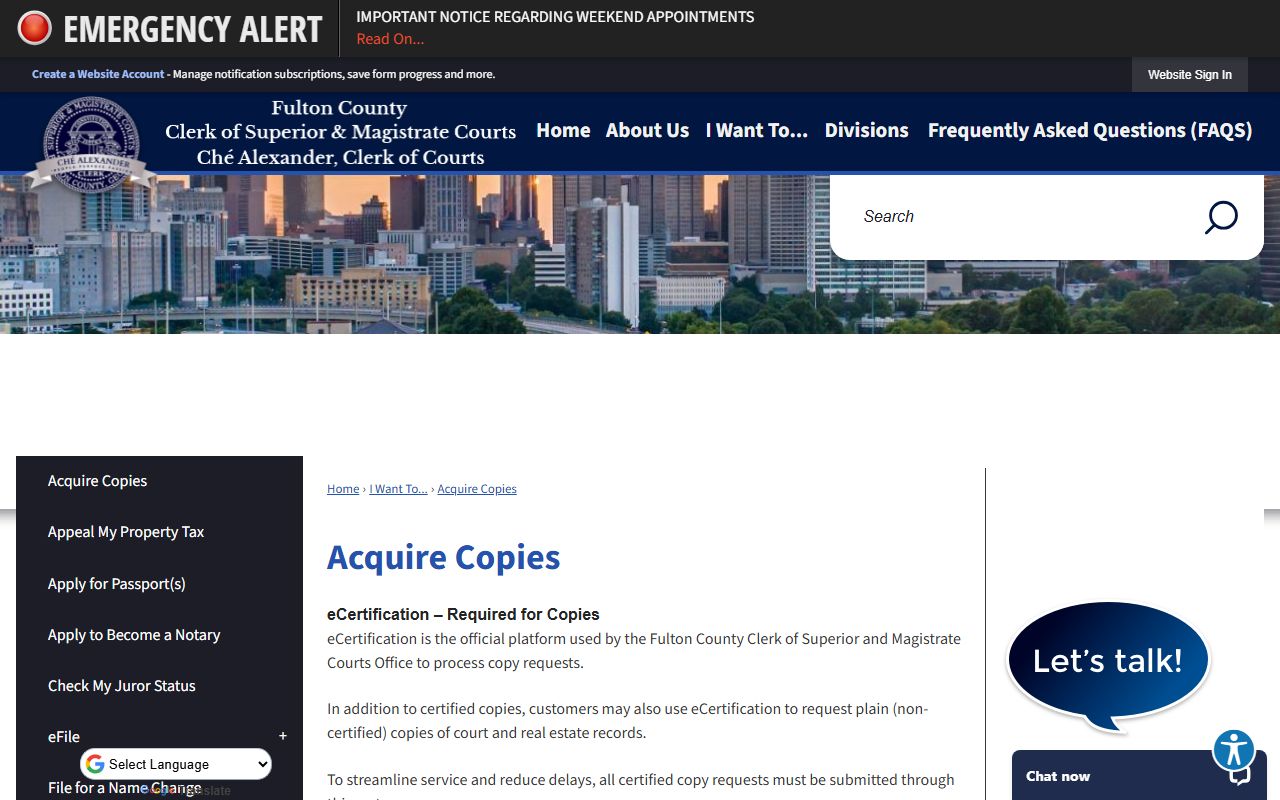
- eCertification: the official platform for certified electronic copies.
- Court Calendars: calendar lookup for upcoming hearings.
- Deed Search: linked real-estate and deed search.
How to Request a Certified Copy from the Clerk
A certified copy is signed and sealed by the Clerk and is the format most third parties accept as legal proof. The fastest path for many Fulton records is eCertification. The list below covers the common order.
- Open the Acquire Copies page and pick eCertification.
- Search for the case by number or party name.
- Select the document you need: order, decree, disposition, or other filing.
- Enter requester contact info and confirm the order.
- Pay the certified copy fee at checkout.
- Watch for the Clerk's email with an authentication link tied to the order.
- Share the certified electronic copy with the agency that asked for it.
Clerk File Request Form Fields
For files that need a staff pull, the Fulton Clerk file request form is the right tool. The table below lays out the fields the form uses.
| Field Label | Type | Required | Notes |
|---|---|---|---|
| Requester Name | Text | Yes | Person making the request. |
| Phone Number | Text | Yes | Contact for questions and pickup notice. |
| Email Address | Likely | Used for response and digital copies. | |
| Case Number | Text | Strongly recommended | Best identifier for the court file. |
| Case Style / Parties | Text | No | Plaintiff or petitioner, defendant or respondent. |
| Type of Case | Checkbox / Text | No | Civil, criminal, family, magistrate, or real estate. |
| Document Requested | Text | Yes | Final disposition, decree, order, complaint, judgment, or other. |
| Certified Copy | Checkbox | No | Certified fee applies. |
| Plain Copy | Checkbox | No | Plain copy fee applies. |
| Number of Copies | Number | No | Needed for fee calculation. |
| Delivery Method | Checkbox | No | Pickup, email, or mail when offered. |
| Signature / Date | Signature | Yes | Confirms the request. |
Fulton Clerk Fee Schedule
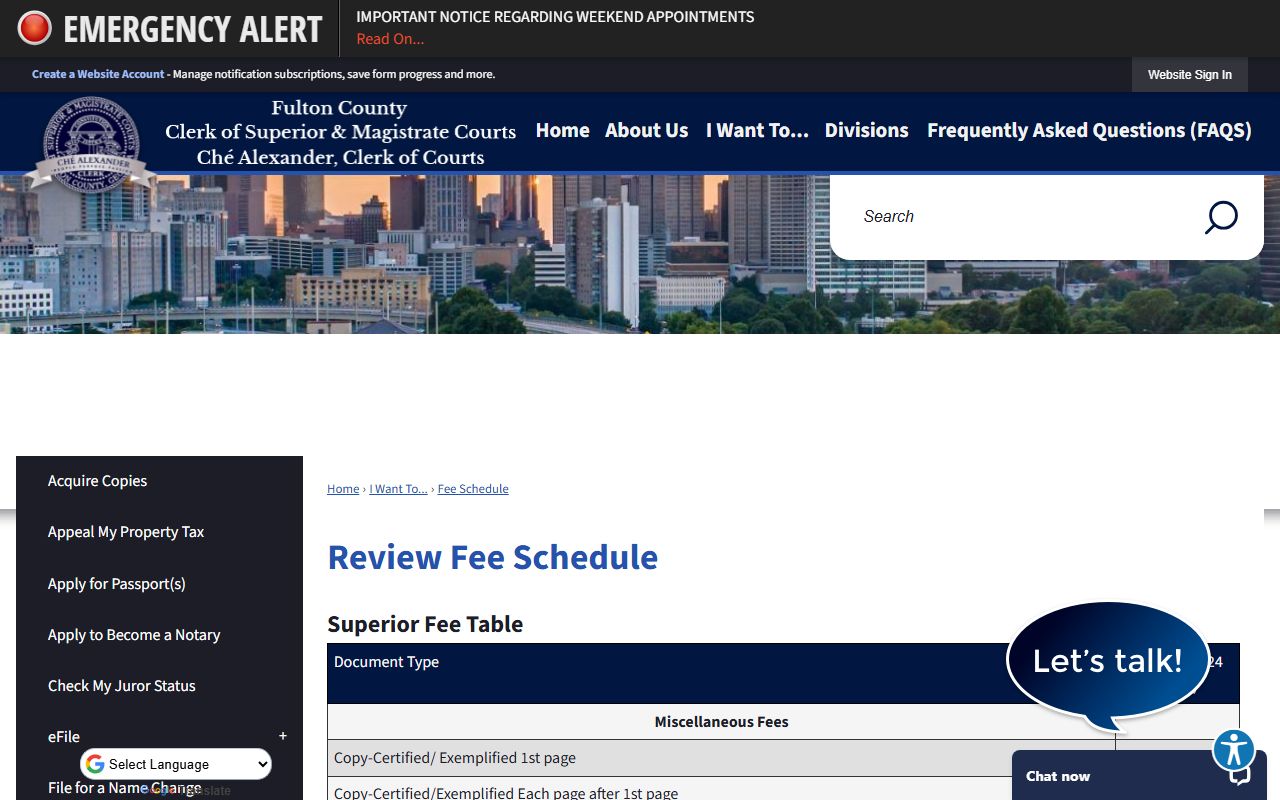
The current copy and filing fees are posted on the Fulton Clerk fee schedule page. The numbers below are the most-used items. The full list covers many more service categories.
| Item | Amount |
|---|---|
| Certified or exemplified copy, first page | $2.50 |
| Certified or exemplified copy, each added page | $0.50 |
| Plain copy, no clerk help | $0.50 per page |
| Plain copy, clerk assisted | $1.00 per page |
| Faxed or electronic copy, first page | $2.50 |
| Faxed or electronic copy, each added page | $1.00 |
| Computer-generated public record copy | $2.50 per page |
| Superior Court general civil action | $218.00 |
| Divorce filing | $223.00 |
| Adoption filing | $218.00 |
| Subpoena | $5.00 |
| Process server | $58.00 |
| Magistrate small claims suit | $60.00 |
| Magistrate dispossessory against tenant | $60.00 |
| Magistrate warrant application | $20.00 |
Smart Search and Court Calendars
Smart Search runs on the public Tyler Portal at portal-gafulton.tylertech.cloud/Portal. The search box returns case rows for Superior and Magistrate cases when access is allowed. Filters for court, case type, party, attorney, and date range help narrow results. Court calendars from the Clerk's eServices page show upcoming hearings by judge or division.
Smart Search is an index, not a free PDF library. Some documents are available; others require a paid certified copy or an in-person review. For court records overview and search tips, see Fulton County court records.
Odyssey eFileGA and Criminal eFiling
Most modern Fulton filings move through Odyssey eFileGA. Attorneys and self-represented filers can open cases, upload documents, pick filing codes, and pay fees. Criminal eFiling has its own login for prosecutors and defense counsel. Documents filed through eFiling enter the court record if accepted and not sealed.
Filers should match document type and filing code carefully. Wrong codes can cause delays and even rejection. The eFiling system is for filing, not for general public record browsing.
Mail and In-Person Requests
Walk-in service is still available at the Clerk's downtown office. Bring photo ID, the case number, the parties, and a payment method. Mail requests must include the same details plus a return address and a payment that matches the posted fee schedule. The Clerk's staff cannot give legal advice, but they can locate a file, explain a fee, and process a copy.
For archived files that are not in the online index, the Clerk's file request form is the right tool. Older cases may need extra retrieval time. A clear written request with case number, parties, and filing year saves staff time and reduces back-and-forth.
Probate Court Is Separate
Probate Court records do not pass through the Clerk of Superior and Magistrate Courts. Probate has its own records office for estates, marriage licenses, guardianship, and conservatorship cases. The Fulton probate records page covers the right path for those filings.
Sending a probate request to the Clerk's office will be redirected, and may slow the answer. Always start at the correct custodian.