
How to Find Fulton County Court Dockets
Most Fulton County court dockets are published online through the Clerk's public Tyler Portal. The Fulton Clerk eServices page is the master index for online court tools. Smart Search returns Superior and Magistrate dockets when the case is public. Probate, State Court traffic, and federal dockets live on different systems and need their own portal.
Public dockets show the case number, court, judge, parties, status, and a list of date-stamped events. Sealed cases and juvenile cases do not appear on the public docket.
- Open the Fulton Tyler Portal and pick Smart Search.
- Enter the case number for a clean hit, or a party name for a broader search.
- Pick the case row that matches the court, parties, and filing year.
- Scroll the docket entries in date order to follow each step in the case.
- For a hearing date, look for entries labeled "Hearing" or "Set" with a courtroom.
- Switch to State Court, Probate, or PACER if the case sits in one of those systems.
What a Fulton County Court Docket Shows
A docket line is a one-event summary, not a ruling. Each row is the Clerk's record of a single filing or court act. The table below maps the most common rows you will see on a Fulton public docket. Some entries hide details that are confidential or sealed.
| Docket Field | What It Shows |
|---|---|
| Event Date | The date the filing or court act was entered. |
| Event Type | Complaint, motion, order, notice, hearing, judgment, or appeal. |
| Filed By | Party or attorney who filed the document. |
| Document Title | Short name of the filing as entered by the Clerk. |
| Linked Document | PDF link if the document is public and posted. |
| Hearing Date | Date, time, and courtroom for upcoming hearings. |
| Judicial Officer | Judge or magistrate who signed an order or set a hearing. |
| Status Update | Open, set, disposed, transferred, dismissed, or sealed. |
| Financial Entry | Fee paid, fine entered, bond posted, or restitution ordered. |
Note: A "Motion" line is a request to the court; an "Order" line is the judge's written act on it.
Reading Fulton Docket Codes
Court dockets use short labels that can confuse first-time users. A few labels show up often in Fulton files. "Plea" means the defendant's answer to a criminal charge. "Nolle prosequi" means the state will not press the count. "Disposition" is the final outcome. "Continuance" is a postponed hearing. "Bench warrant" is a warrant the judge issues during a case, often for a missed court date.
Some labels are tied to civil case life. "Service" is the formal delivery of papers. "Default" can show when a party does not answer in time. "Judgment" is the final decision. "Garnishment" is a tool for collecting on a money judgment. Each of these lines maps to a rule in the Georgia Civil Practice Act or Uniform Superior Court Rules published through georgiacourts.gov.
Fulton Superior Court Dockets
Superior Court runs the docket for felonies, divorce, equity, title to land, and high-stakes civil cases in Fulton County. The court is part of the Atlanta Judicial Circuit. Court calendars and division pages are listed on the Fulton Superior Court site. The Clerk publishes the case index on Smart Search, and the court publishes hearing calendars and division news on its own site.
Superior dockets include civil, criminal, and family divisions. Family Division handles divorce, custody, and child support. Criminal Division handles felony trials. Business Court handles complex commercial cases. For the deeper view of Superior Court structure and judges, see the Fulton Superior Court page.
Fulton Magistrate Court Dockets
Magistrate Court runs dockets for small claims, dispossessory or eviction cases, warrant applications, first appearances, and preliminary hearings. The Fulton Magistrate Court site is the source for filing rules and contact info. Magistrate case files live with the Clerk of Superior and Magistrate Courts, so Smart Search returns Magistrate dockets along with Superior dockets.
A Magistrate docket entry can show the first appearance date after an arrest. Bond setting, charge entry, and warrant return often happen on the Magistrate calendar. The hearing then routes the case to State Court or Superior Court for trial. For the deeper view of Magistrate Court and small claims, see the Fulton Magistrate Court page.
Fulton State Court and Traffic Dockets
Fulton State Court handles many misdemeanor, traffic, and civil dockets that are not Superior Court matters. The court page at Fulton State Court is the right starting point. Traffic citations route through the State Court system. The State Court traffic citation portal shows citation status, court date, and payment options.
A State Court traffic docket may show the citation number, charge, fine, court date, and disposition. Failure-to-appear entries are common and can lead to a license consequence with Georgia Driver Services. For the full traffic process, see Fulton traffic court records.
Fulton Probate Court Dockets
Probate Court keeps its own docket for estates, wills, year's support, guardianship, conservatorship, and marriage license records. The Fulton Probate Court site is the entry point. The Records Division handles requests. Probate dockets are not searched through the Clerk of Superior Court portal.
Estate dockets show the petition type, the named representative, hearing dates, and orders. Guardianship and conservatorship dockets may include sensitive medical or financial filings that are not part of the public view. For a full walk-through of Probate filings and fees, see Fulton probate records.
Federal Dockets and PACER
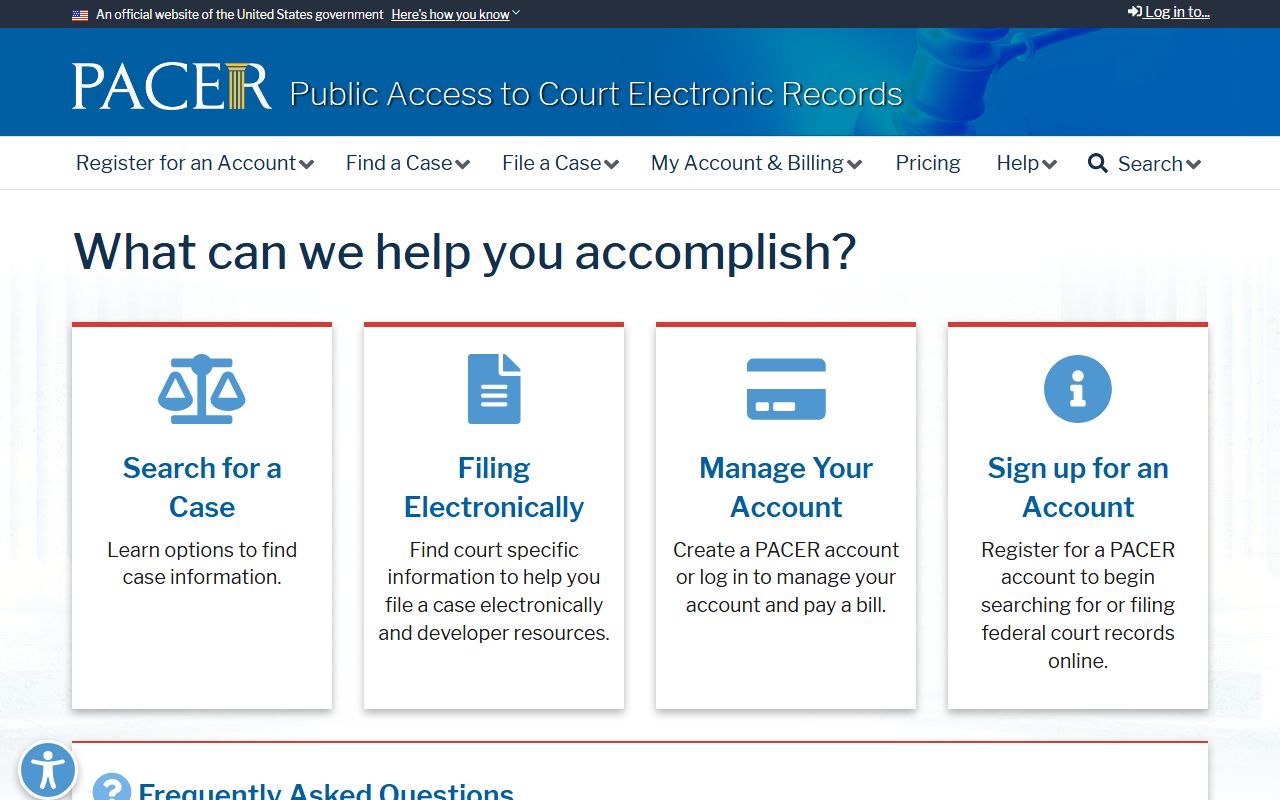
Federal cases in Fulton County are not on the Fulton Clerk portal. They are searched on PACER through the U.S. District Court for the Northern District of Georgia and the U.S. Bankruptcy Court for the Northern District of Georgia. PACER is the official federal case-access system and requires an account.
The PACER home page covers account setup, fees, and search tools. Some users qualify for fee waivers, and quarterly minimums may apply under current PACER policy.
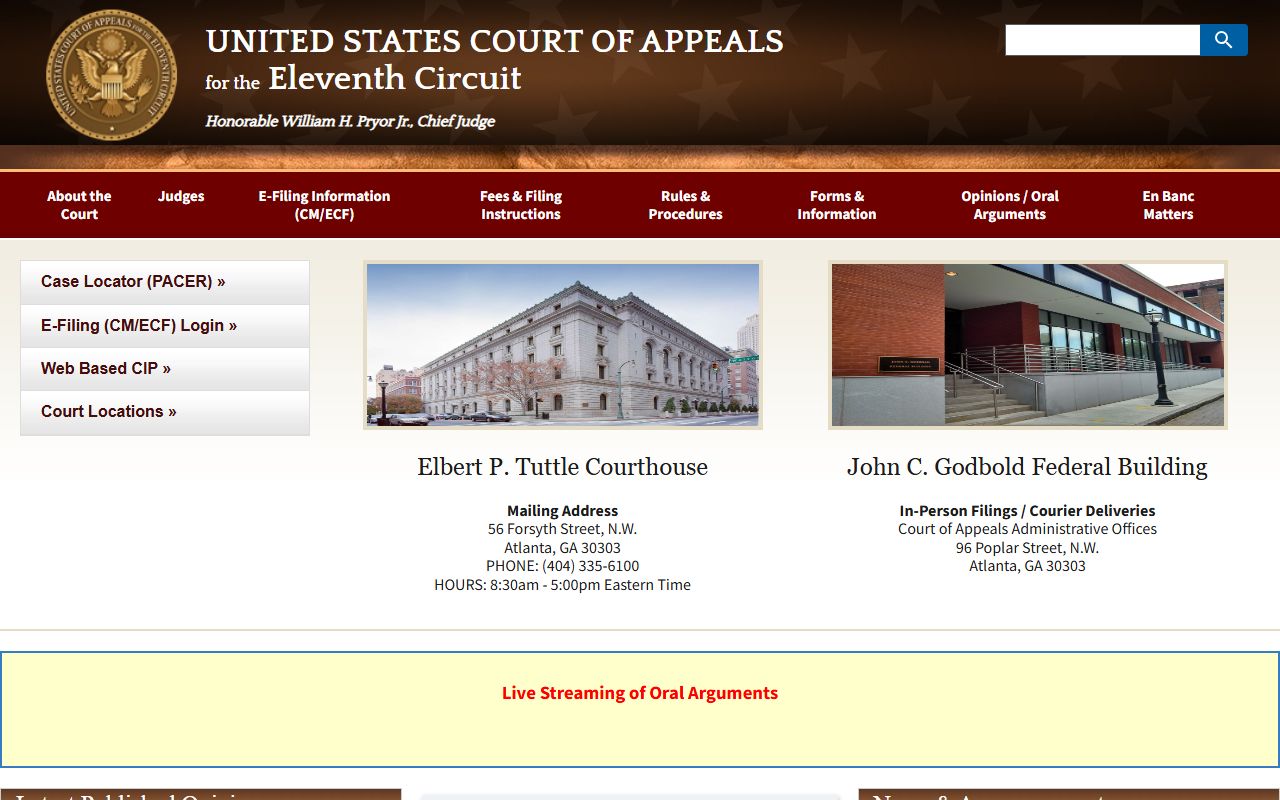
Appeals from the Northern District of Georgia move to the U.S. Court of Appeals for the Eleventh Circuit. The Eleventh Circuit home page publishes opinions, oral argument calendars, and clerk contacts.
Confidential Fulton Docket Limits
Not every Fulton docket is public. Juvenile cases follow strict access rules under state law. Adoption files are confidential. Sealed civil and criminal files are closed without a court order. Grand jury proceedings stay secret until an indictment is filed. Mental health and competency files hold medical data that the law protects.
Some public dockets still redact sensitive parts. Social Security numbers, bank account numbers, minor names, victim addresses, and sealed exhibits are removed before release. A docket with a sealed entry may still show a row labeled "sealed" so the public knows the matter exists, but the document itself is not posted.